How to Transfer BEP20 Tokens from TP Wallet to OKX Exchange: Step-by-Step Guide
If you are looking to move your cryptocurrency from TP Wallet to OKX (formerly OKEx) using the Binance Smart Chain (BSC), you are in the right place. This guide provides a clear, step-by-step breakdown of how to transfer BEP20 tokens from your TP Wallet to an OKX deposit address. Understanding this process is critical for ensuring your funds arrive safely and quickly.
Before starting, ensure you have installed the latest version of TP Wallet (TokenPocket) on your mobile device or browser extension. Also, log in to your OKX exchange account. You will need both applications open. The core method involves using the Binance Smart Chain network (also called BSC) because TP Wallet natively supports it, and OKX accepts BSC deposits for many tokens.
Step 1: Get Your OKX BSC Deposit Address
First, go to your OKX account. Click on "Assets" in the top menu, then select "Deposit". In the search bar, type the name of the token you want to transfer (for example, USDT, BNB, or CAKE). Click on the correct token. The most important part is selecting the correct network: choose "BEP20" or "BSC". This network identifier is crucial because if you choose the wrong network, your funds may be lost. Once you select BEP20, OKX will generate a deposit address. Copy this address carefully. Double-check the first and last few characters to make sure they match the address shown on screen.
Step 2: Open TP Wallet and Start the Transfer
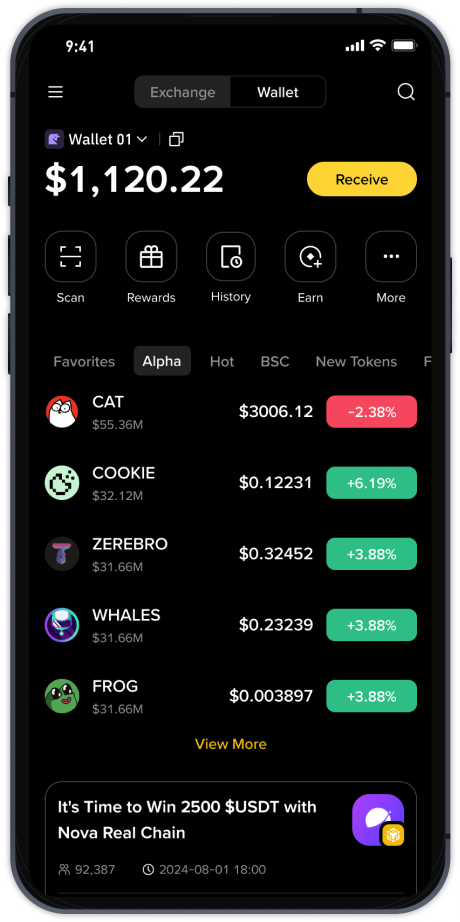
Open your TP Wallet. On the main screen, tap the "Wallet" icon at the bottom if you are on mobile. Select the specific wallet you use (e.g., "Wallet 1"). You will see your asset list. Find the token you wish to send. Tap on it. Then, tap the "Send" button. A new screen will appear where you need to paste the OKX deposit address you copied earlier.
Step 3: Enter the Amount and Confirm Network
In the "To" field, paste your OKX BEP20 address. In the "Amount" field, enter how much you want to transfer. It is wise to keep a small amount of BNB in your TP Wallet to pay the network transaction fee, as BSC transactions require BNB for gas. Before tapping "Send", check the network setting. Make sure it says "BSC" or "BEP20". This should match the network you selected on OKX. If you see "ERC20" or "TRC20", change it to BSC. Many losses happen because people forget to switch this setting.
Step 4: Confirm and Wait for Confirmation
After tapping "Send", TP Wallet will ask you to confirm the transaction details. Check the address, amount, and network fee one final time. Then confirm the transaction using your wallet security method (e.g., password, fingerprint, Face ID). The wallet will now broadcast the transaction to the Binance Smart Chain. You will see a "pending" status. Usually, BSC transactions confirm within 1 to 5 minutes. You can monitor the status on a block explorer like BscScan by searching the transaction ID.
Step 5: Verify on OKX
Once the transaction is confirmed on the blockchain, go back to your OKX account. Click on "Assets" > "Deposit". Check the "Deposit History". You may need to wait a few minutes for OKX to process the incoming transaction. If the address and network were correct, the funds will appear in your OKX spot wallet. Remember, some exchanges require a certain number of block confirmations before the deposit is fully credited. This can take an extra minute or two.
Key Mistakes to Avoid
Always verify the network. Using the wrong network (for example, sending a BEP20 token to an ERC20 address) can result in permanent loss of funds. Never send a token to an exchange without first checking if the exchange supports the specific token on that network. Also, never share your TP Wallet's private key or seed phrase with anyone.
Conclusion
Transferring from TP Wallet to OKX via Binance Smart Chain is a straightforward process if you follow the steps carefully. The entire workflow involves copying your OKX BEP20 deposit address, pasting it into TP Wallet, selecting the correct BSC network, and sending the transaction. By double-checking the network and address at each stage, you can avoid common pitfalls and ensure your digital assets move securely between your wallet and the exchange.